We’re working with Budbreak on a vineyard deployment, using Metal Arm to grasp grape stems.
See the work in progress on XSee it at work.
Explore what we’re building with Metal Arm.

“Highly recommend these arms to anyone in the market. 3kg of payload each for the price was the biggest factor for us.”
Read the post on X

Bruce
Middle school student, PCMSCO
Learning Physical AI and deploying VLA models. Physical AI Hack Day winner at BEYOND Expo in Macau.
How PCMSCO teaches Physical AI
Built on LeRobot
Install MakerMods Lab
Record demonstrations, train a policy and run it on Metal Arm, all in one place.
Install
uv tool install "git+https://github.com/makermods-robotics/makermodslab"
Run
makermodslab
Requires uv and Python 3.12+.
-
Record data
Guide the arm or drive it from a leader. Every run saves as a LeRobot dataset, camera video and joint states in sync.
-
Train
Train a policy such as ACT on that dataset, on your own GPU or in the cloud.
-
Run inference
Load the trained policy and run it on the arm. It does the task on its own.
# Get the Metal Arm repository
git clone https://github.com/makermods-robotics/metal-python-ros.git
cd metal-python-ros

# After installing the documented dependencies
bash metal_sdk/build_metal_sdk.sh
Can I use my own code?
Build with the Python SDK.
Use Metal Arm’s Python SDK and ROS drivers to read joint feedback, control the arm, and connect a leader for teleoperation.
Explore the SDKThe current ROS 2 branch targets Ubuntu 22.04 and ROS 2 Humble. Follow the repository’s dependency and CAN setup instructions first.
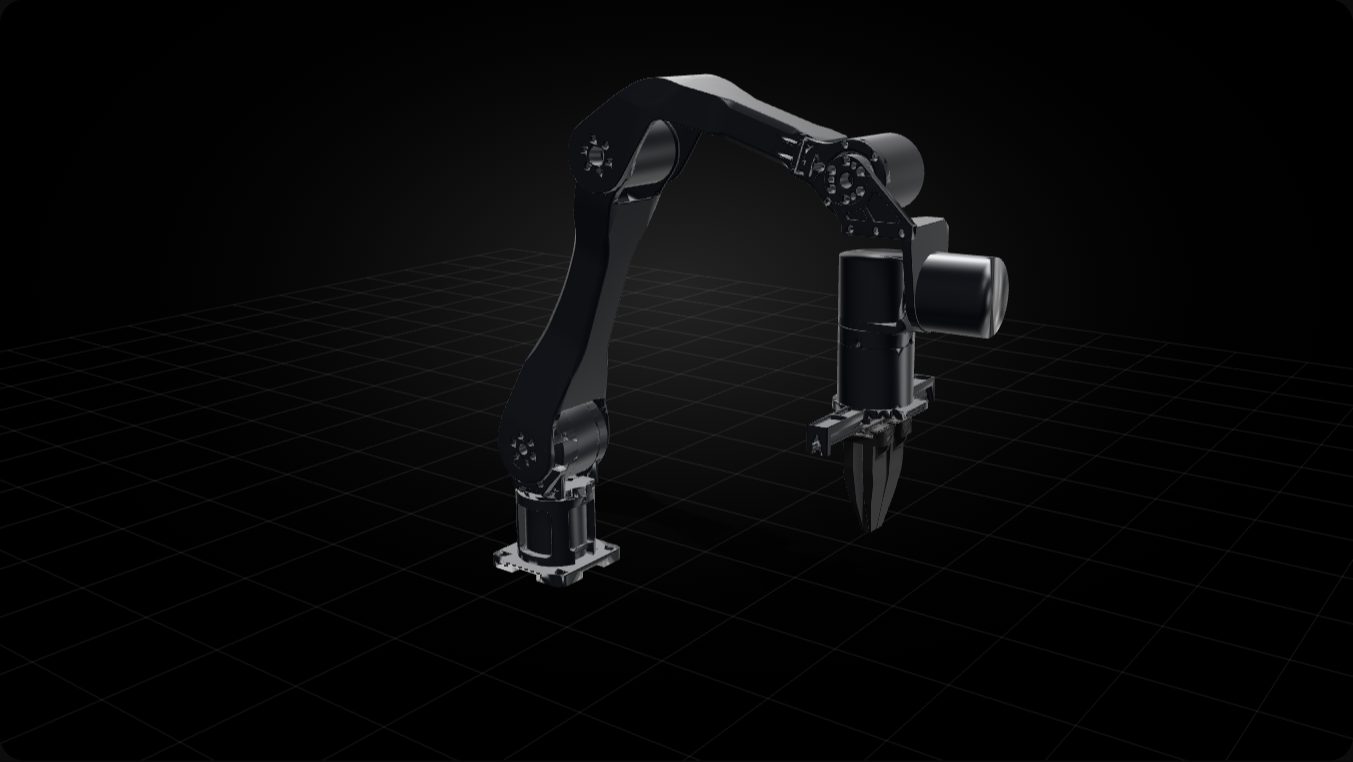 Arrow keys turn the view. Plus and minus zoom.
Loading 3D view
Drag the arm to move it
Does it have a URDF I can run in sim?
Run it in simulation.
Download the URDF and meshes. Import them into your simulator to explore how Metal Arm moves, with MoveIt and Gazebo set up.
Get the URDF and meshesThis preview runs in MuJoCo. Drag the view to turn it, or grab the arm to move it.
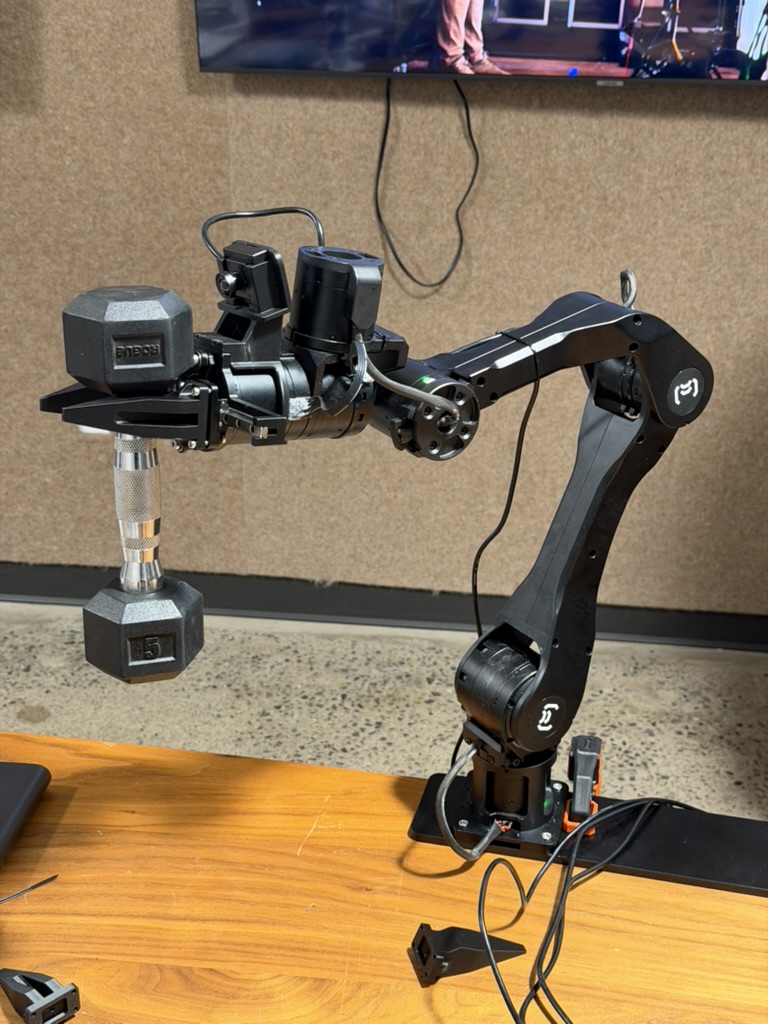
Machined aluminum
Lifts 3 Kg
A CNC-machined aluminum frame carries 3 kg at the gripper, and returns to the same point within a tenth of a millimeter.
- Arm joints
- Six, plus the gripper
- Repeatability
- ±0.1 mm
- Reach
- 612.5 mm
The numbers
- Rated payload
- 3 kg
- Repeatability
- ±0.1 mm
- Reach
- 612.5 mm working radius
- Weight
- 5.7 kg
- Joint range
- J1 −165° to 165°, J6 −150° to 150°
- Joint speed
- Up to 180 °/s on J1–J3, 220 °/s on J4–J6
- Gripper
- Parallel jaw, 0–95 mm strokeOptional handle and finger guide included in the accessory kit.
- Power
- 24 V DC
- Control bus
- CAN over XT30 (2+2)
- Mount
- 90 × 90 mm, four M5 screws
- Software
- Dream-1, MakerMods Lab, LeRobot, Python and C++ SDKROS 1 Noetic and ROS 2 Humble drivers. SDK and firmware are MIT licensed.
180 × 100 cm table · Dashed outline 140 × 60 cm · Approx. reach to fingertip
Loading 3D view…
Will it fit my workspace?
Plan your workspace.
Allow room for the arm, your objects, and camera views. Check your mounting surface and task area before choosing a position.
Check your setup with usWhat's in the box
5-minute setup.
Mount with 4 M5 screws and 2 G-clamps.
Bring a PC running Ubuntu 20.04 or 22.04.
- Metal Arm with gripper
- Six joints and a parallel-jaw gripperMachined aluminum, black anodized.
- E-stop hub
- E-stop power button and CAN bus-to-USB adapter
- Power supply
- 24 V DC, 15 ARegional plug adapters included.
- Stabilizer plate
- Metal, drilled for the 90 × 90 mm M5 base
- Mounting
- Two G-clamps
- Cables
- USB-C to USB-A
- Accessory & spares kit
- Allen key, extra screws, handle and finger guideFit the handle and finger guide to use Metal Arm as a leader arm.
Bring your computer.
Connect your hardware. Teach your arm a task.
Connect over USB.
 Ubuntu computer
- CAN-to-USB adapter includedConnect the arm to your computer through its CAN adapter.
- Choose your softwareUse MakerMods Lab or the Metal Arm SDK and ROS drivers.
The included adapter supports Ubuntu 20.04 and 22.04. Check the SDK documentation for your software’s requirements.
Train and run models.
Use MakerMods Lab to record demonstrations and teach Metal Arm a task.
- Train on your dataTrain a policy such as ACT on your own GPU or in the cloud.
- Run it on your armLoad the trained policy and run the task on Metal Arm.
Training and running models have different computing needs. Share your model and GPU so we can check your setup.
Check your setup with usYour Arm. Your Setup.
Choose your setup
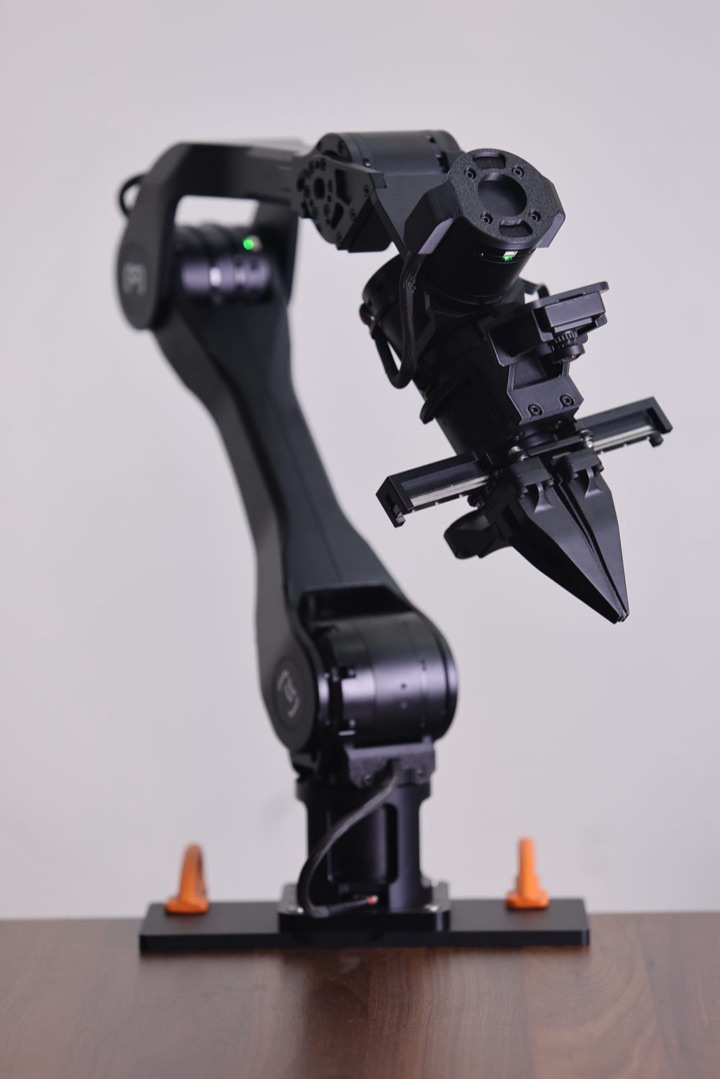
- 5-minute setupMount it with four M5 screws and two G-clamps.
- Build your own workflowDream-1, MakerMods Lab, and an open SDK.
- Perform pick-and-place tasksMove objects with the included gripper.
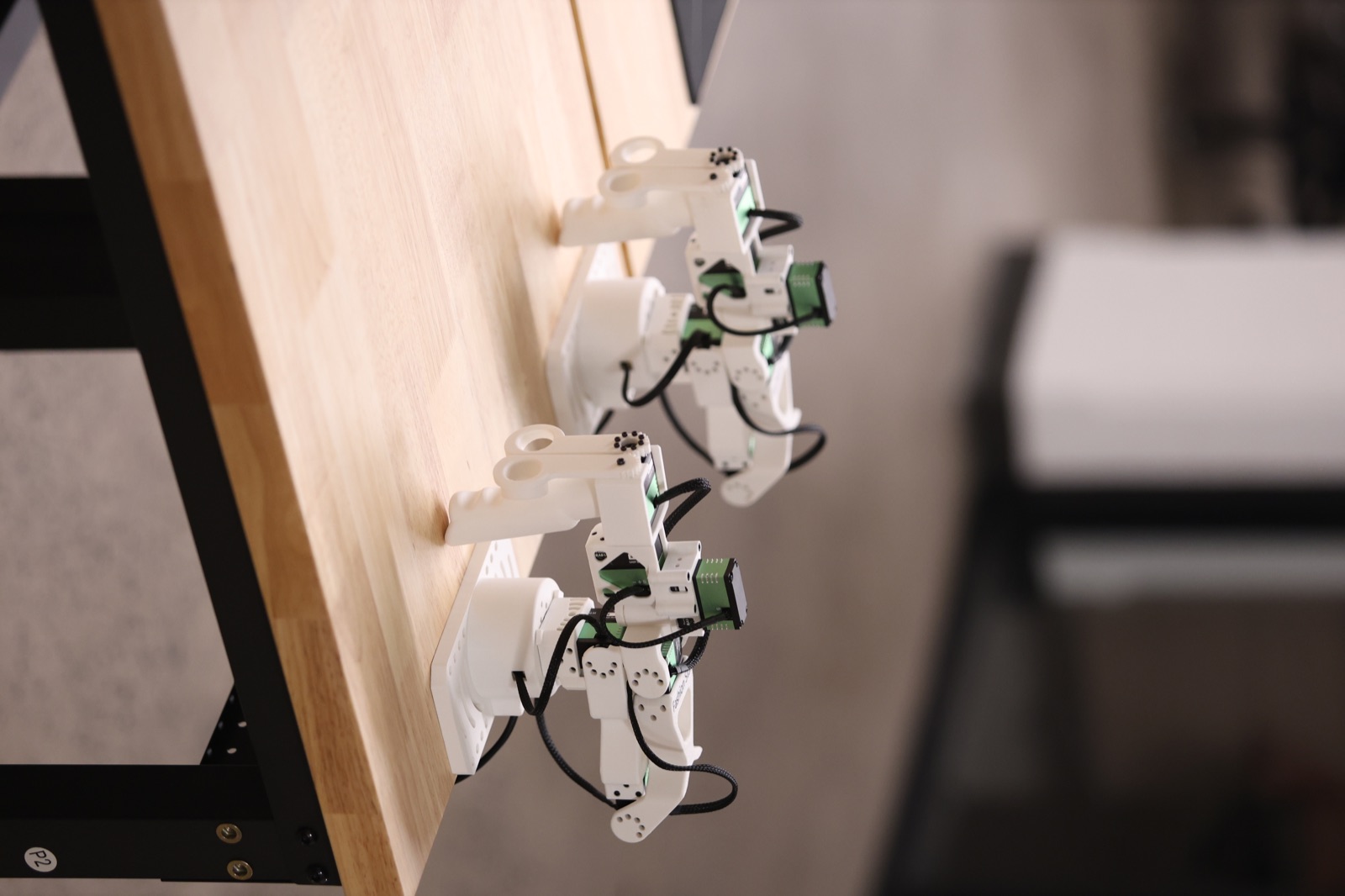
- Teach by teleoperationGuide Metal Arm through a task from a separate leader.
- Record demonstrationsCapture runs in MakerMods Lab as training data.
- Lightweight encoder designFor effortless teleoperation.
Stay connected
Join the community.
Follow our latest builds and updates on X. Get help, share your projects, and meet other builders on Discord.
Good questions
How do I tell it what to do?
Give Metal Arm a task in plain language with Dream-1. Use MakerMods Lab to record demonstrations, train a policy, and run it on the arm. You can also guide it by hand or drive it from a leader.
What do I need to bring?
A PC running Ubuntu 20.04 or 22.04. The E-stop hub, power supply and USB cable ship in the box.
Do I need a leader arm?
Not for running Dream-1 or a trained model. For teleoperation, use another Metal Arm as the leader or add a Star Arm 102-LD for $199.
What software can I use?
Dream-1, MakerMods Lab, LeRobot, or the open Python and C++ SDK with ROS 1 Noetic and ROS 2 Humble drivers. The SDK and firmware are MIT licensed.
Can I run VLA models on it?
Yes. There are open reproductions of ALOHA ACT and pi0 / pi0.5, with training and inference pipelines and step-by-step tutorials.
Can I get two?
Yes. Metal Arm Station is two arms on one base for $4,999, for work that takes both hands.
When does it ship?
Metal Arm is available to order any time and ships in 4 weeks, tracked, from Shenzhen. Shipping is $199, added at checkout, and adding leader arms does not change it. Expedited shipping by express courier, 3–5 business days after dispatch, is offered on Metal Arm Station ($349, or $299 standard) and the DAgger Kit ($698, or $598 standard), not on a single arm. Duties and import taxes are the buyer's responsibility.